
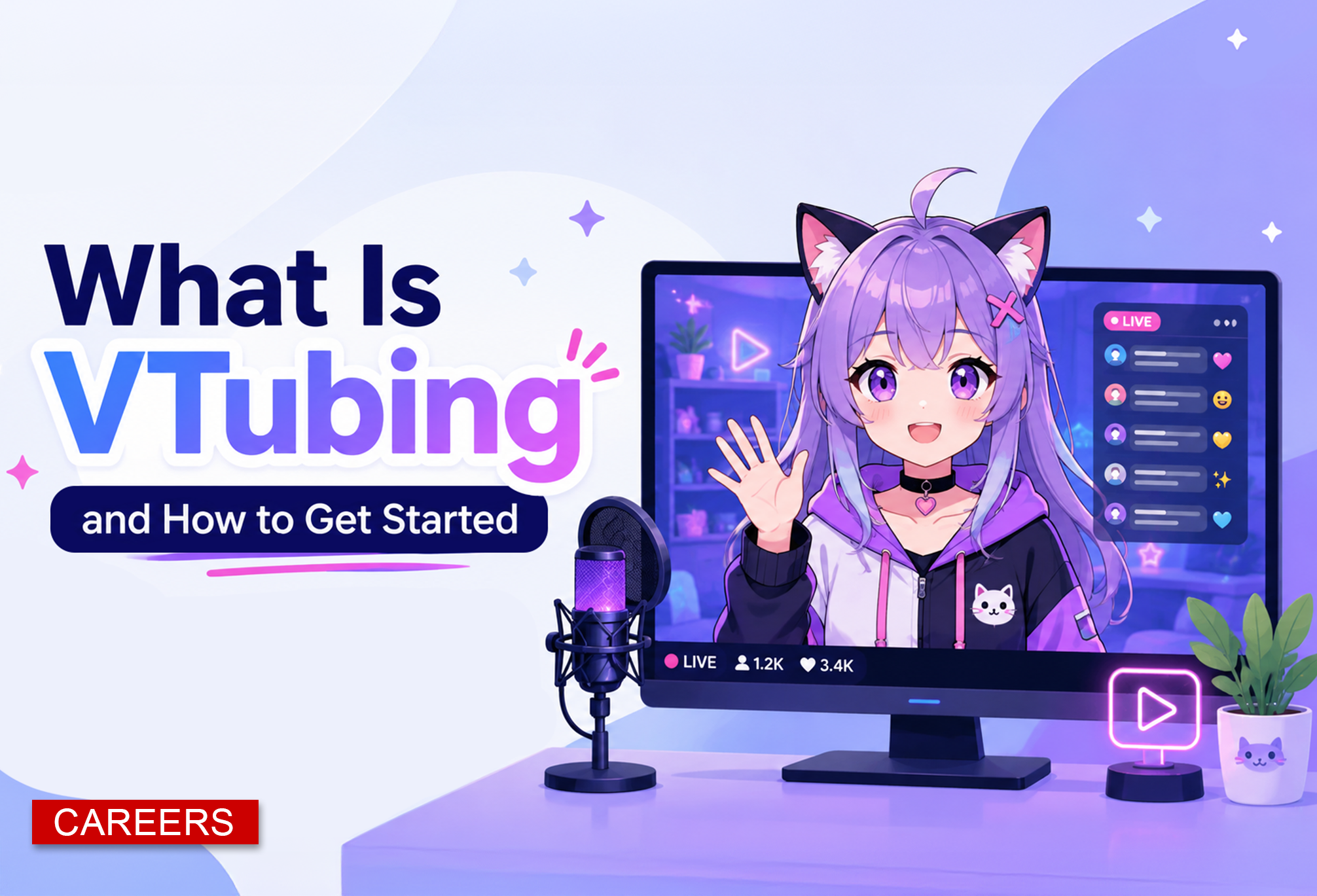
What is VTubing?
VTubing is a form of online content creation where a person uses a digital avatar instead of showing their real face on camera. The avatar can be 2D, 3D, anime-inspired, cartoon-style, realistic, or completely original.
The creator still talks, streams, reacts, plays games, hosts interviews, or makes videos, but the audience sees the character move and speak on screen.
The term comes from “Virtual YouTuber,” but VTubing is no longer limited to YouTube. VTubers now stream on Twitch, post clips on TikTok, upload videos to YouTube, and build communities across Discord, X, Instagram, and other platforms.
Why People Like VTubing
For many creators, VTubing offers a way to be on camera without showing their faces. It can help people feel more comfortable, protect their privacy, and build a creative character around their content.
Some VTubers use a full backstory, voice style, costume, and personality. Others use an avatar as a fun digital version of themselves.
How VTubing Works
VTubing usually combines three things. The first is an avatar or model. The second is tracking software that follows the creator’s face, voice, and sometimes body movement. The third is streaming or recording software that sends the final video to platforms like Twitch or YouTube.
A basic setup can be simple. A beginner can use a webcam, a microphone, a computer, free streaming software, and a starter avatar.
More advanced VTubers may use custom art, Live2D rigging, motion tracking, hand tracking, iPhone face tracking, professional overlays, and custom scenes.
What You Need to Start
A beginner does not need to spend thousands of dollars to start. The most practical setup includes a decent computer, a microphone, a webcam or phone, avatar software, tracking software and a streaming program.
OBS Studio is one of the most common choices for streaming and recording. It is free, open source, and works with Twitch, YouTube, and other streaming services.
Creators using a 2D model often start with VTube Studio. It can load Live2D models and track movement through a webcam or a supported phone.
Creators who want to build a 3D avatar can start with VRoid Studio. It is useful for people who want to create a character without commissioning a full custom model right away.
Beginner Steps for Getting Started
Start by deciding what kind of creator you want to be. Some VTubers focus on gaming. Others do commentary, reactions, art streams, music, interviews, education, cozy chats, or mental health community spaces.
Next, choose between a 2D or 3D model. A 2D model can look polished and expressive, but custom art and rigging can cost more. A 3D model can be easier to create with tools like VRoid Studio and can be changed more often with outfits and accessories.
After that, test your equipment. A clear microphone is usually more important than an expensive camera. Viewers may forgive a simple avatar, but poor audio can make a stream hard to watch.
Then set up OBS Studio. Add your game, avatar software, microphone, alerts, and overlays. Run private test recordings before going live. This helps you check sound levels, avatar movement, lag, and screen layout.
Finally, create a simple streaming schedule. New VTubers do not need to stream every day. A consistent schedule, even once or twice a week, helps viewers know when to show up.
Helpful Sites and Tools
VRoid Studio: A good starting place for creating 3D avatars. It lets beginners customize hair, clothing, face shape, body type, and textures.
VTube Studio: One of the main tools for 2D VTubing. It is used to load and animate Live2D models for streams and videos.
Live2D Cubism: A tool used to rig and animate 2D illustrated models. It helps add movement, expressions, physics, and lip sync.
OBS Studio: A free program used to record or livestream. It is one of the best starting tools for creators on a budget.
Twitch Creator Camp: A helpful resource for new streamers learning how to set up a channel, improve their stream, and understand platform basics.
BOOTH: A marketplace where creators can find outfits, accessories, textures, and model assets. Beginners should always check the license before using any asset.
YouTube: A free learning resource for tutorials on OBS setup, VTube Studio, VRoid, Live2D rigging, overlays, and VTuber branding.
Discord communities: Many VTuber communities share setup advice, model artists, riggers, asset shops, collaboration opportunities, and troubleshooting help.
Common Beginner Mistakes
One common mistake is spending too much money before testing whether streaming is enjoyable. A creator can start with a simple avatar and improve over time.
Another mistake is focusing only on the model. A great avatar helps, but viewers usually stay for the creator’s personality, humor, consistency, topic, voice, and community.
Beginners should also be careful with copyrighted music, stolen assets, unlicensed art, and models they do not have permission to use. Always check usage rights before using music, graphics, outfits, or character designs in public content.
How Much Does It Cost?
VTubing can be free to start if someone uses free software, a basic webcam, and a starter avatar. A low-cost beginner setup may only require a microphone upgrade or simple lighting.
A more polished setup can cost more. Custom 2D models, rigging, overlays, emotes, logos, and branding can range from affordable to very expensive depending on the artist and complexity.



0 Comments